

An Amazon Brand Store is a free, multi-page storefront you can build right on Amazon, but only if you’re a brand-registered seller. Think of it less like a single product listing and more like your own custom website—a dedicated “shop-in-shop”—tucked inside the world’s biggest online marketplace.
What Exactly Is an Amazon Brand Store?
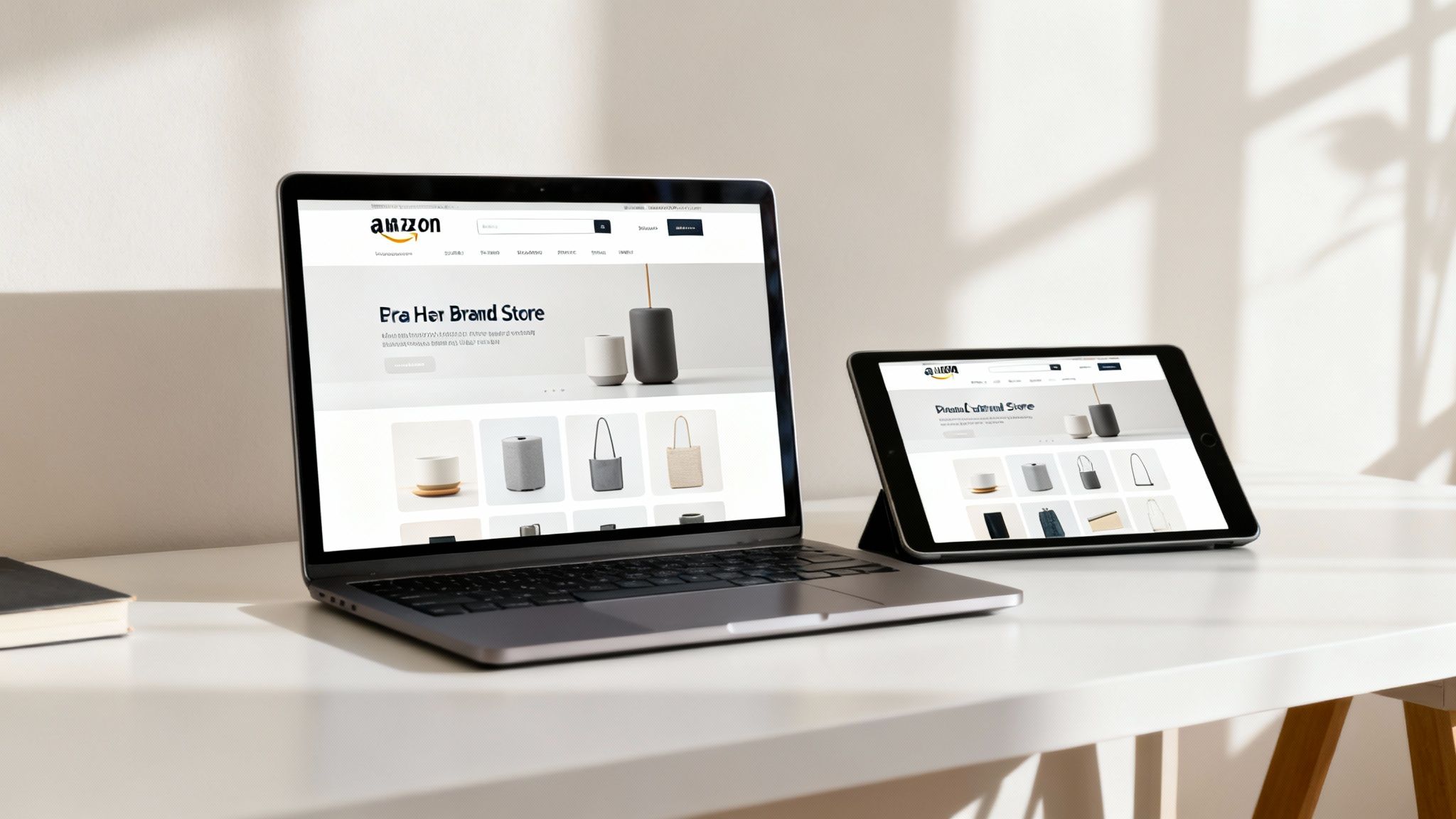
Imagine walking into a massive department store. Most products are just sitting on generic shelves, squeezed next to their biggest rivals. That’s pretty much the standard Amazon product detail page experience.
An Amazon Brand Store, on the other hand, is like getting your own boutique inside that same department store. Suddenly, you get to control the layout, the lighting, the signs, and exactly how your products are shown off.
Instead of one transactional page, you create a curated destination for shoppers. It’s a powerful tool that shifts the focus from simply selling an item to building a real brand relationship. Best of all, it gives you a unique, memorable URL (like amazon.com/yourbrand) that becomes the central hub for your entire catalog and brand story.
Moving Beyond the Product Page
A standard Amazon listing is designed for one thing: converting a sale on a single item. It works, but it's incredibly limiting. Amazon Brand Stores give you a much richer canvas to pull customers in. You can finally move beyond a few bullet points and a handful of images to create an experience that sticks.
With a Brand Store, you can:
- Create Curated Collections: Group products by theme, use case, or season. Think "Summer Grilling Essentials," "Gifts for Dad," or a "Best Sellers" showcase. This makes it easy for shoppers to discover more of what you offer and drives cross-selling.
- Use Rich Media: Embed videos, lifestyle photos, and even shoppable images that tell your brand’s story and show your products in the real world. This is how you build an emotional connection.
- Tell Your Brand Story: Dedicate pages to your company's mission, its history, or the values that drive you. This is what separates you from competitors who are only competing on price and features.
- Build a Central Brand Hub: Your Store becomes the go-to landing page for all your Amazon advertising campaigns, making sure customers see your full brand world, not just one isolated product.
In essence, an Amazon Brand Store transforms you from a temporary vendor at a chaotic market into the owner of a permanent, beautifully designed flagship location. It’s your chance to control the narrative and guide the customer journey from start to finish.
That control is what makes all the difference. While every seller has product pages, only registered brands can build this immersive environment. It's a critical distinction because customers who visit a Store are usually more engaged and ready to buy. They aren't just looking for an item; they're exploring a brand they’re starting to trust, which leads to more loyalty and higher average order values.
By creating this branded destination, you're not just selling—you're building a long-term asset right on the platform.
Why Your Brand Needs a Store on Amazon
Let's be clear: an Amazon Brand Store isn't just another feature you can use—it's a strategic asset that directly grows your business. Think of it as the difference between renting a small kiosk in a crowded market and building your own flagship retail location. This dedicated space isn't about vanity; it's a powerful engine for turning casual browsers into loyal, high-value customers.
A standard product page is designed for one thing: getting a single sale. A Brand Store, on the other hand, is built to create an entire shopping journey. When you create a cohesive, branded environment, you completely change how a customer interacts with your products, and that leads to some serious financial wins.
Boost Your Average Order Value
One of the first things you'll notice with a well-designed Store is a jump in your Average Order Value (AOV). A single product detail page just doesn't give you much room to show off complementary items. A customer looking for a tent might never even see your high-quality sleeping bags or portable stoves.
An Amazon Brand Store fixes this by letting you merchandise your catalog like a real retailer.
- Create Curated Collections: You can build out pages for "Summer Camping Gear" or "Hiking Essentials," grouping related products together and making it natural for shoppers to add more to their cart.
- Showcase Full Product Lines: If you sell a skincare line, you can display the cleanser, toner, and moisturizer side-by-side, visually showing customers why they work better together.
- Highlight Best Sellers and New Arrivals: Use dedicated sections to pull shoppers toward your most popular items or latest launches, sparking interest and driving those extra purchases.
This curated experience makes it easy for shoppers to discover more of what you offer, which naturally increases how much they spend in one go.
Create a High-Converting Ad Destination
Sending ad traffic to a standard product page works, but it’s often a huge missed opportunity. When you direct paid traffic from your Sponsored Brands ads to a custom Brand Store, you can seriously improve your Return on Ad Spend (ROAS). Instead of landing on an isolated product, shoppers arrive in an immersive brand world that builds trust and encourages them to stick around.
Amazon Ads data backs this up. Official reports show that shoppers who visit a Brand Store are not only more likely to buy but also spend more per order. Brands are essentially using Stores as mini-websites to control their story, showcase their entire catalog, and create cross-sell and upsell paths that a single listing could never support. For brands looking to get the most out of their marketing budget, check out our guide on how to increase sales on Amazon for more powerful strategies.
By linking Sponsored Brands campaigns directly to specific Store pages, you transform them into high-intent landing destinations. This targeted approach ensures the customer's first impression is of a professional, credible brand—not just a single item floating in a sea of competitors. You can find more information about these shopping trends in a recent report on Amazon statistics.
Build a Lasting Brand Identity
Finally, an Amazon Brand Store is your single best tool for building brand equity on the platform. It gives you a permanent, professional space to tell your story using high-quality video, lifestyle imagery, and compelling copy. That narrative is what separates you from the countless unbranded competitors who only know how to compete on price.
When you invest in a Store, you create a memorable destination that builds customer loyalty and keeps them coming back. It signals to shoppers that you are a serious, established brand worthy of their trust, turning a one-time transaction into a long-term relationship.
How to Build and Launch Your Amazon Store
Building out your Amazon Brand Store is a pretty straightforward process, but getting it right takes a bit of planning. Think of it less like filling out a form and more like designing a physical retail space. Before you put a single "product on a shelf," you need a clear blueprint for the experience you want to give your customers.
The entire journey starts with one non-negotiable step: Amazon Brand Registry. This program is the key that unlocks Brand Stores and a whole suite of other powerful selling tools. To get in, you’ll need a registered and active text- or image-based trademark. Once Amazon gives you the green light, the Store builder will be waiting for you in your Seller Central or Advertising Console account.
The Foundation: Your Store Blueprint
One of the most common mistakes we see is brands jumping straight into the Store builder without a plan. A little bit of prep work goes a long way in creating a storefront that’s not just beautiful but also functional. Start by sketching out a simple map of your Store's layout and navigation.
Your blueprint should outline:
- The Homepage: What’s the very first thing you want customers to see? This page needs to feature your brand's hero image or video, state your value proposition loud and clear, and provide obvious paths to your main product categories.
- Category Pages: How are you going to group your products? Plan out specific pages for different collections like "Best Sellers," "New Arrivals," or by product line.
- The 'About Us' Page: This is your dedicated spot to tell your brand’s story. Plan to share your mission, your history, or what makes your products different from everything else out there.
This initial planning ensures your final Store has a logical flow that guides shoppers effortlessly from the moment they land on your page to the moment they check out. For a more detailed walkthrough, you can find guides on how to create an Amazon storefront.
Using the Amazon Store Builder
Once you have your blueprint ready, it’s time to bring your vision to life with Amazon’s drag-and-drop Store builder. It’s surprisingly intuitive. The builder uses a system of pre-designed templates and content "tiles" (or modules) that you can mix and match to build custom pages without needing to know a single line of code.
You'll start by picking a template for your homepage—something like the Marquee or Product Highlight template is great for making a strong first impression. From there, you just add pages based on your plan and start filling them with different content tiles.
The Store builder is designed for flexibility. You can combine different tiles on a single page to create a rich, dynamic experience. For example, you might lead with a compelling lifestyle video, followed by a grid of your best-selling products, and finish with a shoppable image that links directly to product pages.
These tiles are the building blocks of your brand's story. Using a variety of them—product grids, videos, images with text, and shoppable images—is the key to keeping shoppers from clicking away. Each module plays a role, but your product listings are the real foundation. Before you launch, it's a smart move to optimize your Amazon product listings to make sure they convert the traffic your new Store is about to attract.
Submission and Approval
After you’ve designed your pages, added your products, and triple-checked all your content, the final step is to submit your Store for review. Amazon's team will moderate it to make sure it follows their content acceptance policies. This review process usually takes about 24-72 hours.
The most common reasons for rejection are simple things like typos, grammatical errors, or making claims that aren't backed up on your product detail pages. A quick, careful final check can help you avoid delays and get your professional storefront launched and ready to serve as the new digital home for your brand on Amazon.
Designing a Store That Actually Converts
Putting up an Amazon Brand Store is one thing. Building one that turns casual browsers into loyal customers is something else entirely. A great Store isn't just a digital catalog of your products; it's a carefully guided shopping experience designed to engage, educate, and ultimately, convert.
Think of it like the difference between a messy warehouse and a high-end retail boutique. One is overwhelming and confusing, while the other is intentionally designed to lead you on a journey of discovery.
The goal is simple: make it dead easy for shoppers to find what they’re looking for and discover products they didn't even know they needed. This all starts with clean, intuitive navigation. Your homepage is the grand entrance, and every click from there should feel like a logical next step. A confusing layout is the fastest way to send a potential customer packing.
This diagram shows you just how straightforward the process is for getting your Amazon Brand Store up and running.
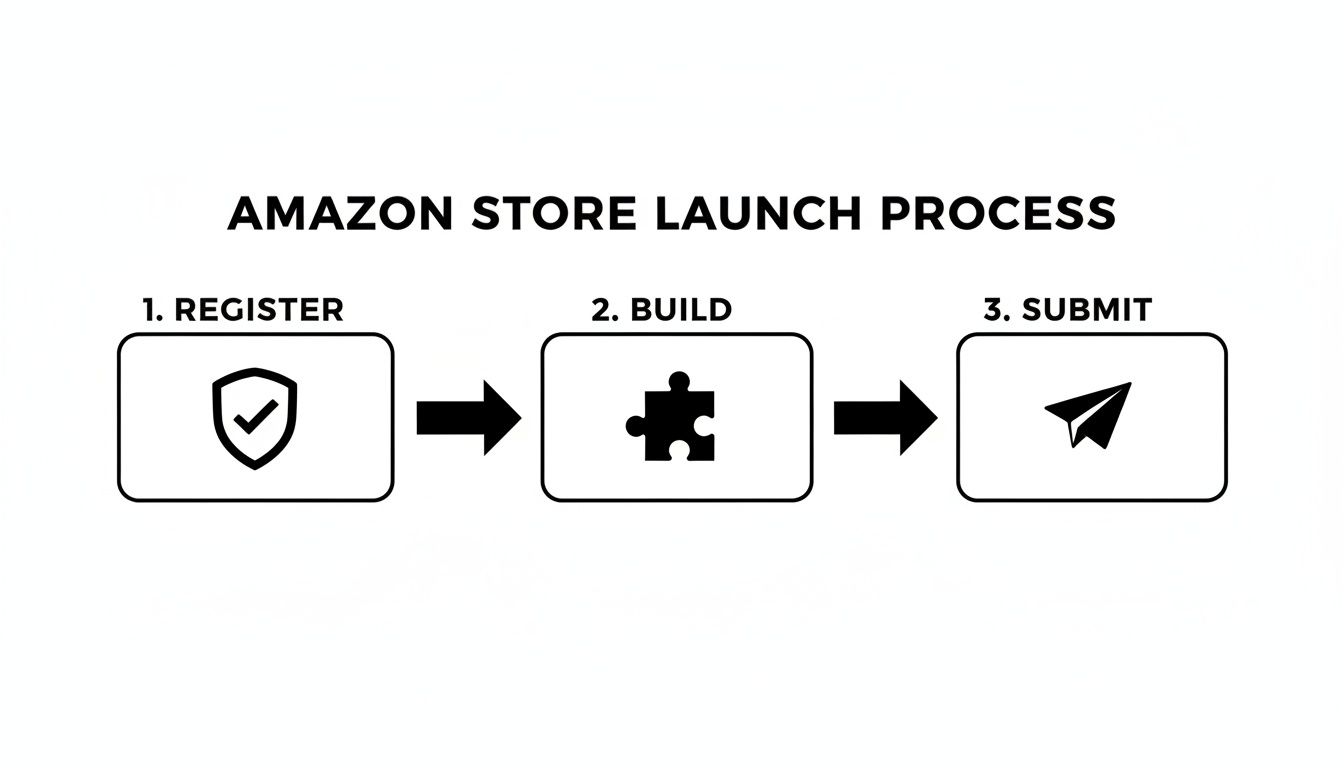
As you can see, the journey is boiled down to three main phases: registering your brand, actually building the storefront, and then submitting it for Amazon's approval.
Create a Visual Brand Story
People don't just buy products; they buy into a brand’s story and what it stands for. Your Amazon Brand Store is the perfect place to tell that story with visuals that pack a punch. High-quality lifestyle images and videos are your best friends here, helping you build an emotional connection and earn trust.
Stop relying only on those plain, product-on-white-background shots. Show your products in the wild. If you're selling outdoor gear, get some stunning video of it on a mountain trail. If you sell kitchenware, use images of a family laughing over a meal made with your products.
These kinds of visuals hit several key targets at once:
- Build Trust: Professional, high-quality media shows you're a serious, credible brand.
- Demonstrate Value: They help customers picture how your products will improve their own lives.
- Increase Engagement: Rich media like video can grab a shopper's attention and hold it much longer than text ever could.
A well-placed video on your homepage can tell your brand's entire story in 60 seconds, creating an immediate impression that a simple product grid just can't match.
Merchandise Your Store Strategically
Smart merchandising isn't just about listing your products. It's about curating them to drive discovery and sales. Your Store gives you the power to create dedicated pages that speak to different shoppers, which is a massive leg up over a standard product page.
Think about building out pages for specific collections that make shopping feel intuitive. These curated sections don't just improve the user experience; they massively increase your chances for cross-selling and upselling, bumping up your average order value. For a deeper look at these tactics, our team put together a guide with actionable conversion rate optimization tips you can apply directly to your Store.
By organizing your catalog into logical, themed collections, you move from simply displaying items to actively guiding the customer's shopping journey. This strategic approach makes your Store a valuable resource, not just a point of sale.
Here are a few powerful merchandising ideas you can implement right away:
- Best Sellers Page: This is non-negotiable. It uses social proof to point new customers toward your most popular products, making their first purchase feel like a safe bet.
- New Arrivals Section: Build some buzz and keep people coming back by dedicating a space to showcase your latest launches.
- Seasonal or Themed Collections: Group products for holidays, seasons, or specific uses, like a "Holiday Gift Guide" or "Summer Travel Essentials."
Ultimately, the goal is to create a seamless experience on both desktop and mobile. A well-designed and strategically merchandised Store will almost always translate to better engagement and higher sales. To push performance even further, consider strategies to improve ecommerce conversion rates and make sure every visitor has the best possible chance of becoming a customer.
Using Analytics to Measure Your Store's Success
Building an Amazon Brand Store is a huge step forward, but the launch is just the beginning. The real magic happens when you stop seeing your Store as a static page and start treating it like a living, breathing marketing asset that you can constantly improve.
This is where the Amazon Store Insights dashboard becomes your new best friend.
Think of the Insights dashboard as the control panel for your digital flagship. It’s not just a bunch of numbers; it’s a direct line of communication from your customers, telling you exactly what’s working and what isn’t. By digging into this data, you can stop guessing and start making informed decisions that actually drive growth.
At first, the raw data might seem a little intimidating. But once you learn how to read the story it tells, you can turn these metrics into powerful, actionable strategies for your business.
Key Metrics and What They Mean
Your Store Insights dashboard is packed with information, but a few key metrics really form the foundation of your analysis. Understanding these will help you check your Store's pulse and find specific areas that need attention.
Let’s break down the most important ones:
- Daily Visitors: This is the number of unique shoppers who visited your Store on a given day. Think of it as the foot traffic in your digital shop—a great top-level indicator of your brand’s reach.
- Page Views: This metric counts the total number of pages viewed within your Store. A high number of page views per visitor is a good sign that shoppers are engaged and browsing your catalog, not just bouncing.
- Sales: This shows the total product sales generated from visitors within 14 days of their last visit to your Store. It’s the ultimate measure of whether your Store is convincing people to buy.
- Units Sold: This is the total number of your products sold to Store visitors. Comparing this to your total sales can tell you a lot about your average order value.
By tracking these metrics over time, you can see how your design changes, new product launches, or promotional campaigns are directly impacting shopper behavior. A sudden spike in visitors after launching a new ad campaign is a clear sign your targeting is effective.
Analyzing this information is crucial for any brand. For a deeper dive into the numbers that matter most, our guide on understanding Amazon sales data can provide additional context and strategies to turn insights into action.
Turning Data into Actionable Strategies
The real power of analytics comes from connecting the dots between different metrics. It's all about asking "why" behind the numbers. For example, if your daily visitor count is high but your sales are flat, it could signal a problem with your product pages, navigation, or even your pricing.
Here’s how you can use the data to make smarter decisions:
- Analyze Traffic Sources: The dashboard shows you exactly where your visitors are coming from. Are they finding you through Sponsored Brands ads, organic Amazon searches, or external links from your social media? If you see that your Sponsored Brands campaigns are driving 80% of your most valuable traffic, you know exactly where to double down on your advertising budget.
- Identify Top-Performing Pages: The "Pages" tab is a goldmine. It shows you which pages in your Store get the most views and generate the most sales. Use this to merchandise your homepage, featuring links to these popular destinations to guide new visitors toward proven winners.
- Optimize for Engagement: If a specific page has high traffic but low sales, it's a huge red flag waving at you to investigate. Is the product selection confusing? Is the imagery uninspired? This data gives you a precise roadmap for A/B testing new layouts, copy, and creative to see what finally makes shoppers click "Add to Cart."
Expanding Your Brand Globally with Stores
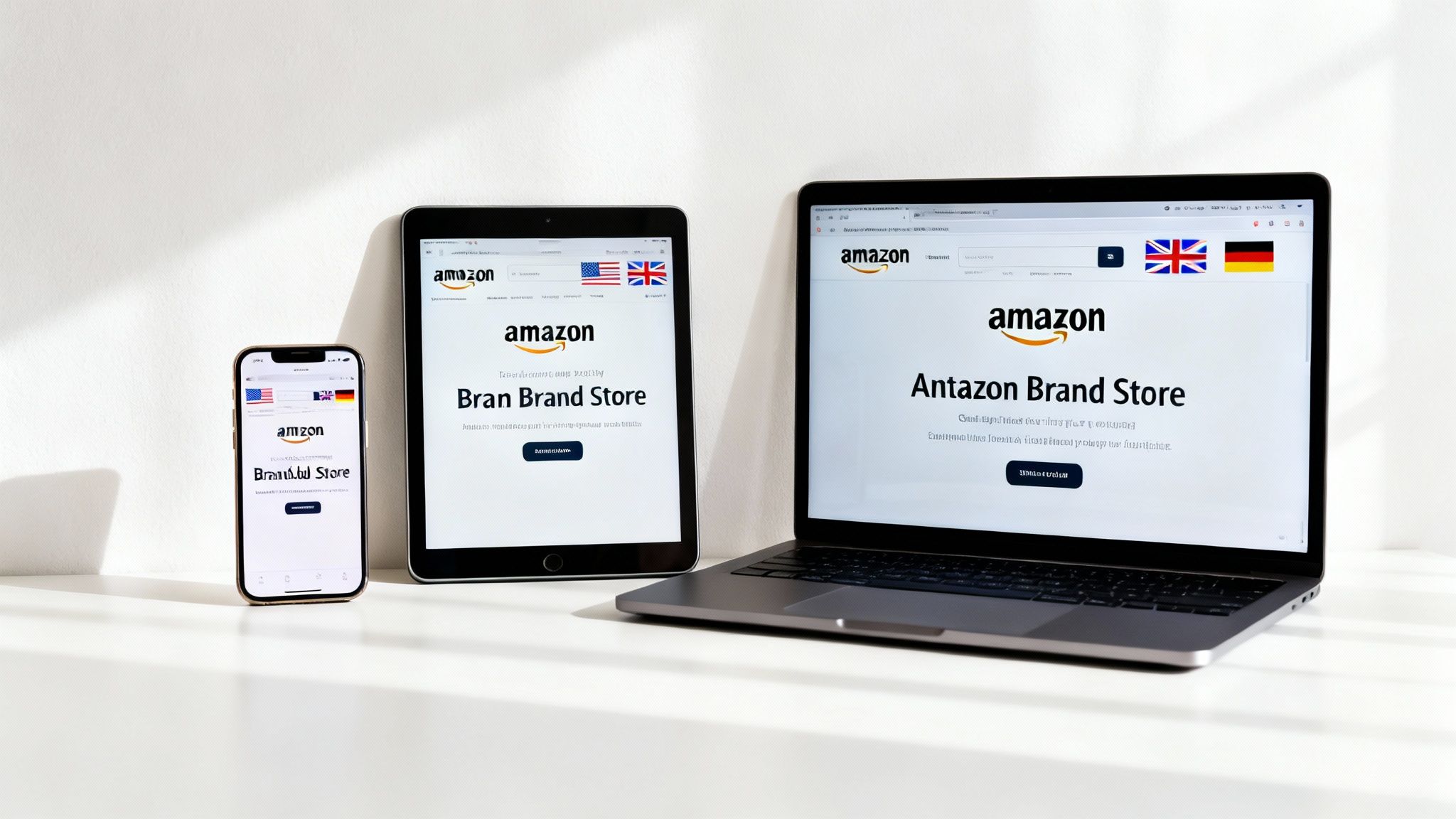
Once you’ve got a handle on your home market, the natural next move is to take your brand international. Your Amazon Brand Store is the perfect tool for this—it’s a powerful and surprisingly scalable blueprint you can use to launch in new marketplaces.
Instead of starting from scratch every time you enter a new country, you can create a master Store template. This keeps your core brand identity, messaging, and layout consistent, which you can then copy and tweak for new regions like the UK, Germany, or Japan.
This approach is a massive time-saver. You get to build a strong, unified brand presence across borders without reinventing the wheel for every launch. It's a go-to strategy for tapping into Amazon’s huge international customer base without all the usual headaches.
Localizing for Cultural Connection
But here’s the thing: a simple copy-and-paste job won’t cut it. While the core of your Store stays the same, real global success comes from smart localization. This is way more than just translating your text. It’s about adapting your content, images, and even product lineup to fit local cultures and shopping habits.
A lifestyle photo that kills it with a US audience might completely miss the mark with shoppers in Japan. Likewise, a bestseller in Germany might be irrelevant in Mexico.
To get localization right, you need to focus on:
- Cultural Nuances: Adjusting your messaging, tone, and even humor to match what local shoppers expect.
- Relevant Imagery: Using lifestyle photos with models and settings that feel familiar and authentic to the local audience.
- Curated Product Selection: Featuring products that make sense for the local climate, holidays, and consumer needs in that specific marketplace.
Think of it like a global franchise. The brand experience feels the same everywhere, but each location is fine-tuned to meet the unique tastes of its local customers. Nailing this balance is key to building trust and driving sales in new markets.
Tapping into a Global Marketplace
This strategy is more critical than ever as brands look beyond their home turf. With Amazon’s international net sales soaring past $140 billion, the opportunity is just too big to ignore. A Brand Store acts as your reusable, localized brand playbook, letting you duplicate your core Store design and then adapt it to what shoppers in different countries want and expect. It cuts down on the operational lift while protecting your brand identity. For a deeper dive, check out these Amazon statistics from recent reports.
When you localize the right way, you’re doing more than just selling products overseas; you're building a real connection with international customers. You're showing them you get their world, which builds the kind of loyalty that turns your Amazon Brand Store into a global growth machine. This is a fundamental piece of learning how to scale an ecommerce business in today's market.
Got Questions? We've Got Answers.
Even after laying it all out, it's totally normal to have a few questions buzzing around your head about Amazon Brand Stores. We get it. So, let’s tackle some of the most common ones we hear from sellers, giving you the straightforward answers you need to move forward with confidence.
How Much Does an Amazon Brand Store Cost?
Here’s the best part: building and launching your Amazon Brand Store is completely free. Amazon doesn’t charge any setup fees, hosting costs, or monthly subscriptions for it.
The only real requirement is that you're enrolled in Amazon Brand Registry, which means you need a registered trademark. Any costs tied to getting that trademark are on your side, but Amazon itself won’t charge you a dime for the Store.
Can I Create a Store Without Being Brand Registered?
Nope, this one's non-negotiable. Amazon Brand Stores are a premium feature, and your key to unlocking them is getting into the Amazon Brand Registry program.
Think of it as quality control. Amazon uses this requirement to make sure Stores are built by actual brand owners, which keeps the quality high and helps build trust with shoppers.
Brand Registry is basically your VIP pass on Amazon. It doesn't just unlock your Store; it also gives you access to other game-changers like A+ Content and Brand Analytics. It’s all about giving you more control over your brand's story.
Can I Drive External Traffic to My Amazon Store?
Absolutely! In fact, you definitely should. It’s one of the smartest marketing moves you can make. Your Store gets its own clean, easy-to-remember URL (like amazon.com/yourbrand), making it the perfect landing page for all your off-Amazon traffic.
Start promoting your Store URL everywhere you can, including:
- Social media campaigns on Instagram, Facebook, and TikTok
- Your email marketing newsletters
- Collaborations with influencers
- QR codes printed on your product packaging
Sending people from outside Amazon to a polished, multi-page brand experience almost always converts better than just dumping them on a single product detail page.
Are Amazon Brand Stores Mobile-Friendly?
Yes, and you don’t even have to think about it. The Store builder is designed to be mobile-responsive from the ground up. All the templates and content tiles automatically resize to look great on any screen, whether it's a desktop, tablet, or smartphone.
A huge chunk of Amazon's shoppers are browsing on their phones, so this built-in optimization is a massive win. You don’t need to lift a finger to make sure your Store delivers a smooth experience for customers on the go.
Ready to build a high-converting storefront that turns casual shoppers into loyal fans? The team at Next Point Digital specializes in creating and optimizing Amazon Brand Stores that drive real business growth. Let's build your brand's flagship on Amazon together.