

Getting started on Walmart Marketplace is a pretty clear path: you apply, get approved, set up your Seller Center account, build out some solid product listings, and then figure out how you'll handle fulfillment. The real trick, though, is consistently hitting Walmart's strict performance and quality standards to keep your access to their massive customer base.
Is Walmart Marketplace Your Next Big Growth Channel?
If you're running an established ecommerce brand, you're always on the hunt for the next channel that can actually move the needle. While other marketplaces feel crowded and hyper-competitive, Walmart offers a seriously compelling and fast-growing opportunity. Thinking about how to sell on Walmart online isn't just about tacking on another sales channel; it’s a strategic play to tap into the massive digital footprint of a retail giant that customers already trust.
With over 430 million monthly visits, Walmart.com is an absolute powerhouse of consumer traffic. This isn't just people browsing; it's a huge, engaged audience with high purchase intent, backed by one of the most recognized brand names in the world. For you, that translates into immediate access to a loyal customer base that already associates the Walmart name with value and reliability.
Before we dive deeper, let's look at the numbers that really paint the picture of the opportunity here.
Walmart Marketplace At A Glance Key Seller Statistics
This table summarizes the core metrics that highlight the scale and opportunity of the Walmart online marketplace for prospective sellers.
| Metric | Statistic |
|---|---|
| Monthly Website Visits | Over 430 Million |
| Active Marketplace Sellers | Over 200,000 |
| Seller Growth Rate (YoY) | 30% |
| Total Products Available | Over 420 Million |
| Third-Party Seller Share | 95% |
These stats aren't just impressive; they tell a story of explosive growth and a platform that is increasingly reliant on third-party sellers to drive its success.
The Momentum Is All About Third-Party Sellers
The real story here is the explosive growth of the marketplace itself. Walmart is actively recruiting and empowering third-party sellers because they know we're the engine for expanding their product selection. This focus has created a thriving ecosystem where independent brands can really take root and grow.
The Walmart Marketplace recently blew past 200,000 active sellers, a milestone it hit thanks to a staggering 30% year-over-year growth. This surge reveals a critical shift: third-party sellers now power 95% of the over 420 million products available on Walmart.com.
This kind of momentum is a clear signal that now is the perfect time to get your foot in the door. Early movers in a growing marketplace almost always grab better visibility and market share before the competition gets too intense. This kind of rapid expansion is a core part of many potent ecommerce growth strategies that focus on smart diversification.
A Data-Backed Case For Diversifying
The numbers make it obvious: expanding to Walmart is a sound business decision. It’s not just about reaching more people; it’s about building a more resilient business.
Relying on a single sales channel is just plain risky. By adding Walmart to your mix, you create a new revenue stream, cut down your dependency on any one platform, and put your brand in front of a different, but equally massive, segment of online shoppers. Better yet, Walmart's commitment to seller success—with tools like Walmart Fulfillment Services (WFS) and Walmart Connect advertising—gives you the infrastructure you need to scale effectively right from the start.
Your Blueprint For Launching On Walmart Marketplace
Jumping onto a new marketplace can feel like a massive project, but I can tell you from experience that Walmart has made its onboarding process surprisingly direct. The real key to a fast launch is getting your application right the first time, and that starts with having all your business info organized before you even begin.
Think of it like this: you wouldn't start building a house without a solid foundation. A little prep work now saves you from major headaches later.
Before you even think about filling out the application, you need to have your basics covered. Walmart's review team is looking for established, professional businesses that can meet their high standards. This means you need more than just a great product; you need a legitimate business structure to back it up.
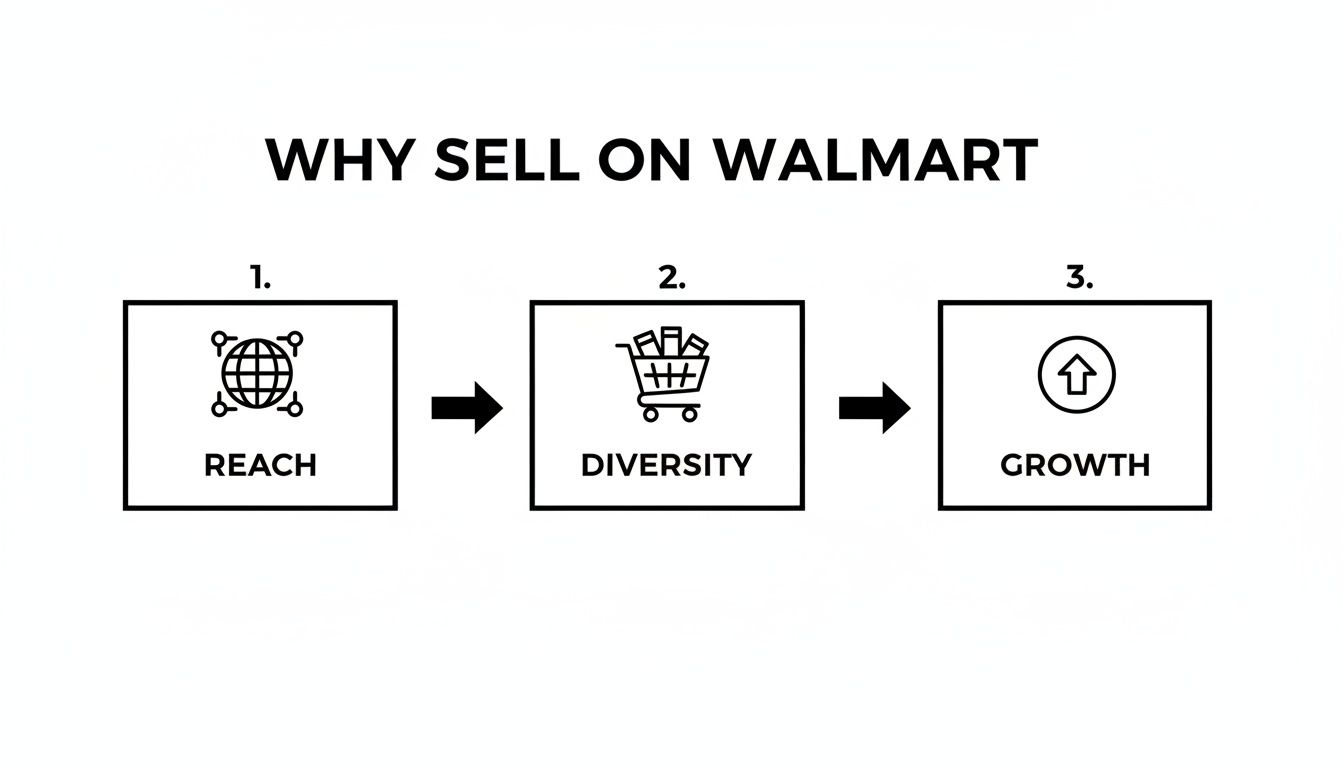
This whole process isn't just about opening another sales channel. Learning how to sell on Walmart online is a strategic move to tap into a massive, built-in customer base and seriously expand your brand's reach.
Essential Seller Prerequisites
Walmart has a non-negotiable checklist for every applicant. Trust me, having these documents and numbers ready will make the whole process smoother and drastically cut your chances of getting delayed or rejected.
You will absolutely need:
- U.S. Business Tax ID (EIN): Your Employer Identification Number is a must. While a sole proprietor might get by with a Social Security Number, an EIN is standard practice and looks much more professional.
- W-9 or W-8 Form: This is purely for tax purposes and needs to be filled out perfectly. The business name on your W-9 must match your EIN registration exactly.
- Business Address: This has to be a physical U.S. business address. P.O. boxes just won't cut it for your primary location.
- Planned Integration Method: You need to decide upfront how you'll manage your listings and inventory. Your options are a direct API integration, using a solution provider like Shopify or BigCommerce, or just doing it manually through the Seller Center.
Gathering these items beforehand shows the review team you’re a serious, organized seller who is ready to hit the ground running.
Pro Tip: One of the most common—and frustrating—reasons for application rejection is a mismatch between your legal business name and the name tied to your EIN on your W-9. Double- and triple-check that these are identical before you submit anything.
Navigating The Application And Verification
Once your documents are in order, the application itself is pretty straightforward. You’ll fill out your business details, agree to the retailer agreement, and send your info off for review. Approval usually takes anywhere from a few days to a couple of weeks, mostly depending on how many applications they're dealing with at the time.
After you get the green light, you’ll get access to the Walmart Seller Center. This is your command center for everything. Your first task is to knock out the registration process, which involves a few key verification steps.
- Business Verification: Walmart will automatically verify the details you provided. This step is critical to getting your account fully activated.
- Payment Setup: You’ll have to register with one of Walmart’s approved payment partners, like Payoneer or Hyperwallet, so you can actually get paid.
- Shipping Configuration: Here’s where you set up your shipping rates, regions, and transit times. You’ll define your fulfillment capabilities, whether that’s standard, expedited, or two-day shipping.
Finalizing Your Launch Checklist
With your account verified and configured, you're in the home stretch. The "Launch Checklist" inside Seller Center will walk you through the final items needed to go live. This mainly involves uploading your first few products for an initial review and making sure your return policies are clearly defined.
Make sure your product data is flawless from the get-go. This means high-quality images, correct categorization, and detailed, compelling descriptions. Walmart's team will personally review these initial items to ensure they meet marketplace standards.
Once they give you the final approval, you can start uploading your entire catalog and officially open for business on Walmart Marketplace.
Crafting Product Listings That Convert Walmart Shoppers
Getting your products live on Walmart Marketplace is just the starting line. The real work begins when you have to convince shoppers to actually click “Add to cart,” and that all comes down to how well you build your product listings.
A great listing isn’t just a description of what you sell. It’s a strategic blend of Walmart SEO, persuasive copy, and compelling visuals designed to rank higher and convert better.
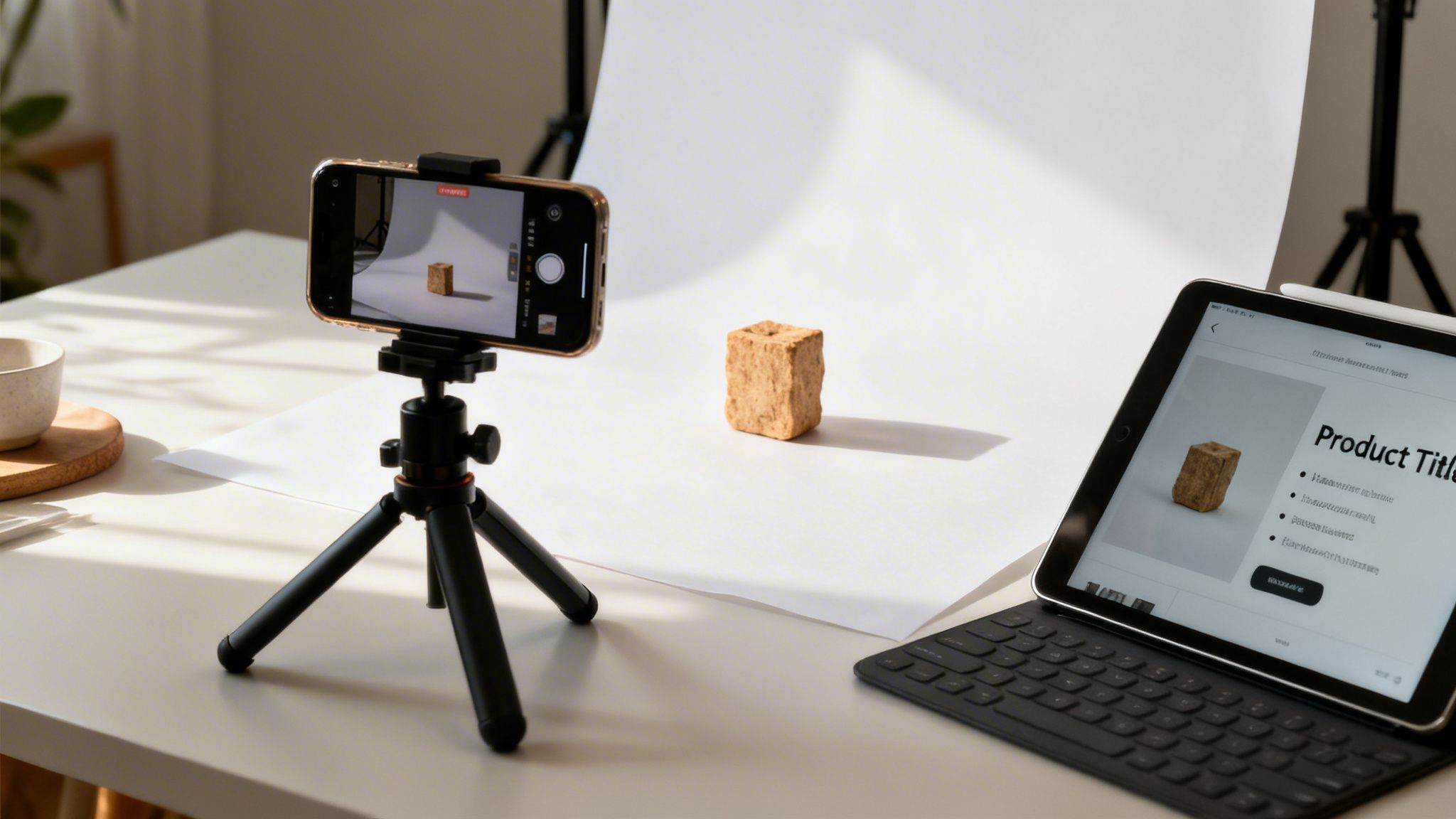
Think of each listing as your digital salesperson. It has to grab a customer's attention on a crowded search results page, answer all their questions before they even ask them, and build enough trust to close the sale. Let's break down how to create listings that do exactly that.
Mastering Walmart Keyword Research
Before you write a single word, you need to understand the language your customers are using. Walmart's search algorithm, much like Google's, relies heavily on keywords to match products with what shoppers are looking for. Your job is to find the exact phrases people are typing into that search bar.
Start with a broad "seed" keyword for your product—like "air fryer"—and then dig deeper for more specific, long-tail variations. Think about what makes your product unique. Is it a "small air fryer for dorm rooms" or an "8-quart stainless steel air fryer with presets"? These longer, more descriptive phrases almost always have less competition and a much higher conversion rate.
Key Takeaway: Don’t just guess what shoppers are searching for. Use keyword research to find high-intent phrases that signal someone is ready to buy. Focusing on specific, long-tail keywords is a core tactic in successful marketplace SEO.
Once you have a solid list of primary and secondary keywords, you're ready to start weaving them into your listing.
Writing Titles And Descriptions That Sell
Your product title is the single most important piece of SEO real estate on your listing. It needs to be clear, descriptive, and packed with your most important keywords right at the beginning.
A good title structure often follows a simple formula:
Brand Name + Main Product Name + 2-3 Key Features/Benefits + Size/Color
For instance, a mediocre title might be "Kitchen Co. Blender." A much better, optimized title would be: "Kitchen Co. Velocity 1200W Blender with Glass Jar and Smoothie Cups, Silver." This version tells the shopper exactly what it is, its power, key accessories, and color—all while hitting critical search terms.
Your product description is where you bring the product to life. Don't just list features; explain the benefits.
- Feature: "1200-watt motor"
- Benefit: "Effortlessly crushes ice and frozen fruit for perfectly smooth smoothies in seconds."
Use bullet points to break down the key selling points, making them easy for shoppers to scan. Tell a story, solve a problem, and give the customer every reason to believe your product is the right choice for them. While the process differs slightly from other platforms, many of the same principles for writing great copy apply. If you're looking for more inspiration, our guide on how to optimize Amazon product listings offers valuable insights that can be adapted for Walmart.
The Power Of High-Quality Visuals
In ecommerce, your product photos are everything. Shoppers can't touch or feel your product, so your images have to do all the heavy lifting. This makes high-quality, professional-looking photos completely non-negotiable.
Your visual strategy should include a mix of image types:
- Primary Image on a White Background: This is standard for a reason. It's clean, clear, and focuses solely on the product, meeting Walmart's core requirements.
- Lifestyle Photos: Show your product in use. If you're selling a yoga mat, include a picture of someone using it in a bright, calming space. Help the customer picture it in their own life.
- Infographics: Use text overlays on an image to call out key features, dimensions, or benefits. This is a great way to communicate important details visually.
- Videos and Rich Media: Walmart allows sellers to upload Rich Media content, including videos and comparison charts. This is a powerful way to demonstrate your product in action and tell a more compelling story.
Investing in great photography isn't an expense; it's a direct investment in your conversion rate. It builds trust, answers questions visually, and helps your product stand out from the sea of competitors.
4. Master Your Fulfillment With Walmart Fulfillment Services (WFS)
Once your listings are optimized and ready to convert, you need to figure out the logistics. How you get products to your customers isn't just a backend task—it's a massive part of the customer experience that shapes your reviews, sales, and account health.
You could handle all the shipping yourself. Or you can use Walmart Fulfillment Services (WFS), which for many sellers is the single biggest lever they pull to scale successfully.
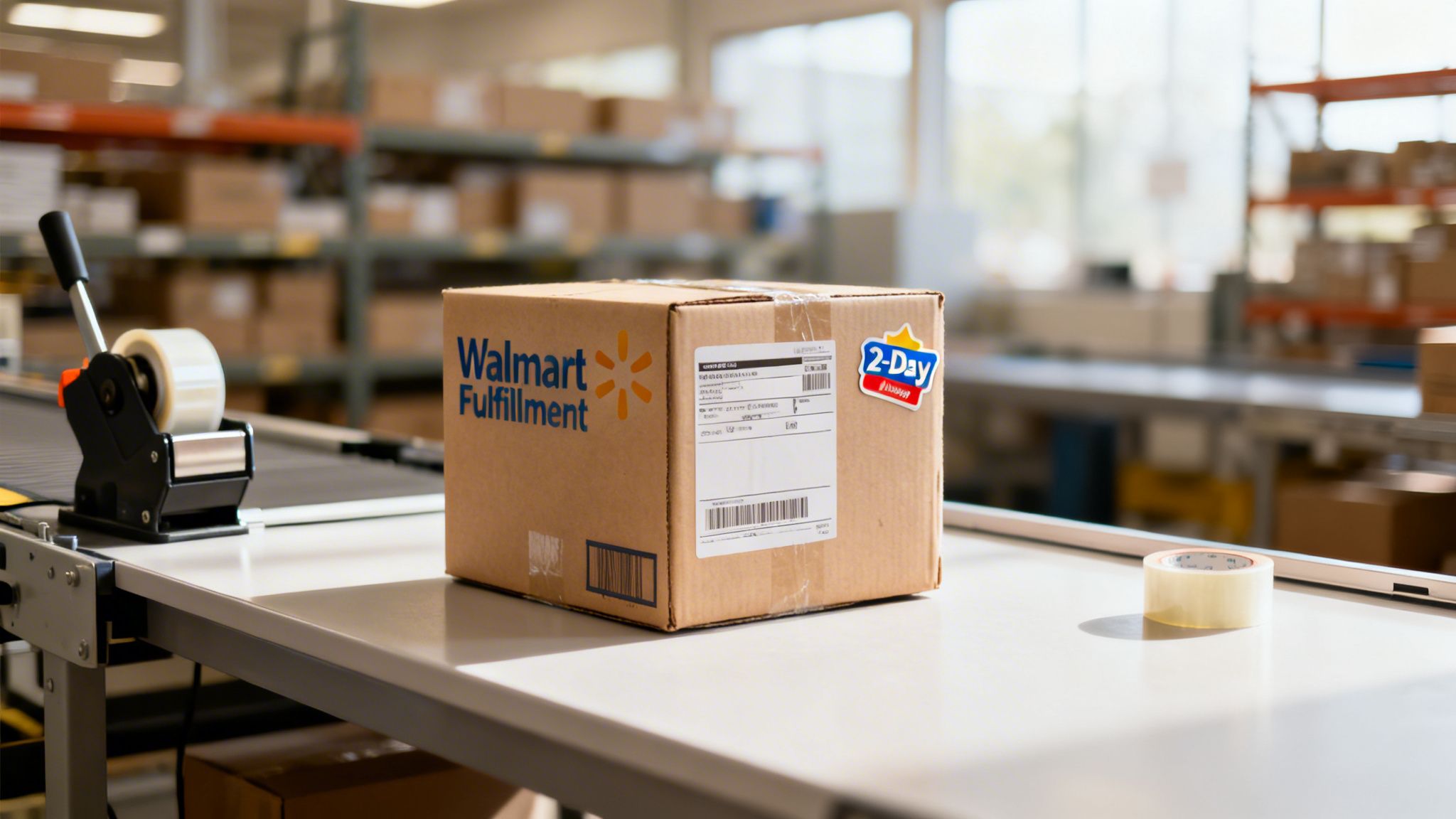
WFS is Walmart’s answer to Amazon FBA. It's a full-service fulfillment program where you ship your inventory to Walmart’s warehouses, and they take over from there. That means they handle storage, picking, packing, shipping, returns, and even customer service. Offloading all that heavy lifting frees you up to focus on marketing, sourcing new products, and actually growing the business.
The real magic, though, goes beyond saving time. Products enrolled in WFS automatically get the “Fulfilled by Walmart” and “2-Day Shipping” badges. These aren't just tiny icons; they are huge trust signals that can dramatically boost your conversion rates.
The Unmistakable Advantages of WFS
Deciding to use WFS is more than a logistical choice; it's a strategic move to boost your visibility and sales. When a shopper sees those badges, they know they're getting fast, reliable shipping backed by Walmart. That confidence often makes the difference between them buying from you or a competitor.
The numbers don't lie. A staggering 44% of all marketplace volume recently went through Walmart Fulfillment Services. Even better, sellers who use WFS see an average 50% lift in gross merchandise value (GMV) on their enrolled items. That’s not a minor bump—it's a massive performance spike tied directly to using Walmart’s infrastructure.
But it gets better. WFS gives your products preferential treatment in Walmart's search results. Because Walmart can guarantee a great delivery experience for WFS items, its algorithm naturally favors them. This gives you an organic visibility lift that self-fulfilled items just can't compete with. This model is pretty common across major marketplaces; if you want to see how it compares, our guide on what Amazon FBA is and how it works offers a great parallel.
WFS Vs Seller Fulfilled: Choosing Your Fulfillment Strategy
Deciding between WFS and fulfilling orders yourself is a critical decision. WFS offers convenience and powerful marketplace advantages, while self-fulfillment gives you more control over your inventory and costs. Here’s a quick breakdown to help you weigh the pros and cons.
| Feature | Walmart Fulfillment Services (WFS) | Seller-Fulfilled |
|---|---|---|
| Shipping Speed | Fast, reliable 2-day shipping guaranteed. | Dependent on your own carrier contracts and processes. |
| Marketplace Badges | Automatic "Fulfilled by Walmart" & "2-Day Shipping" badges. | No badges; must meet strict performance metrics for Pro Seller Badge. |
| Visibility | Enhanced search ranking and Buy Box preference. | Standard visibility; harder to compete for the Buy Box. |
| Operational Lift | Walmart handles storage, picking, packing, and returns. | You manage all logistics, from warehouse to customer door. |
| Costs | Pay for fulfillment and storage fees. | You control costs but are responsible for all expenses. |
| Customer Service | Walmart manages all shipping-related inquiries. | You handle all customer service questions and issues. |
| Best For | Sellers focused on growth, visibility, and operational simplicity. | Sellers with existing logistics or those with oversized/specialty items. |
Ultimately, the choice depends on your business goals. If you're aiming for rapid growth and want to leverage Walmart's powerful ecosystem, WFS is almost always the right call. For sellers with unique logistical needs or established fulfillment operations, sticking with a self-fulfilled model might make more sense.
How to Get Started With WFS
Ready to jump in? Enrolling in WFS is a pretty straightforward process you can handle right from your Seller Center account. After you apply and get the green light, you can start converting your existing products to WFS or add new ones directly into the program.
Here’s what the process looks like in a nutshell:
- Convert Your Items: Head to your Seller Center and select the products you want to enroll in WFS from your catalog.
- Create an Inbound Order: Tell Walmart how many units of each SKU you’re sending to their fulfillment centers.
- Prep and Label: Each item needs to be prepped and labeled with a WFS barcode so it can be tracked properly in their system.
- Ship to Walmart: Send your inventory to the assigned fulfillment center. Using one of Walmart's partnered carriers usually gets you a nice discount.
Once your inventory arrives and gets checked in, your listings will automatically get the WFS badges, and Walmart will start shipping your orders.
Expert Tip: Don't go all-in at once. Start by sending just a handful of your best-selling products to WFS. This lets you get comfortable with the inbound shipping process and see the sales lift firsthand before you commit your entire catalog.
As you get the hang of WFS, it’s a good idea to think about your overall fulfillment strategy across all channels. Taking a deeper dive into mastering e-commerce order fulfillment will help you build a scalable operation. For your Walmart store, WFS is a powerful tool that frees you up to focus on the bigger picture: growing your brand.
Accelerating Sales With Walmart Connect Advertising
Alright, you've listed your products and figured out fulfillment. Now it's time to step on the gas.
Relying on organic traffic alone is a slow burn, especially in a competitive marketplace like Walmart. To really get things moving, you need to proactively drive targeted shoppers to your listings. This is where Walmart Connect, the platform's ad engine, becomes your best friend in learning how to sell on walmart online the right way.
Walmart Connect isn't just about throwing up an ad and hoping for the best. It’s a retail media network that puts your products in front of high-intent shoppers right when they're searching for them. The results speak for themselves. According to Walmart, sellers who used Walmart Connect generated 7x the sales of those who didn't. This ad powerhouse was a major factor in Walmart U.S. ecommerce hitting a staggering $79.3 billion in sales, a 21% jump year-over-year. You can dig into more of these stats over at Walmart's official marketplace blog.
Understanding The Core Ad Types
While Walmart Connect has a few different ad solutions, most new sellers are going to start with Sponsored Products.
These are the pay-per-click (PPC) ads you see right inside search results, on category pages, and even on other product detail pages. They're designed to look native, giving your product a premium spot exactly where customers are making buying decisions.
Think of it like this: if a shopper searches for "bamboo cutting board," your ad can put your product at the top of the very first row. You instantly grab their attention before they even start scrolling through the organic results.
Structuring Your First Campaigns
Jumping into advertising without a plan is a quick way to burn through cash. A much smarter approach is to start with focused, manageable campaigns that you can easily track and tweak. A great way to begin is by structuring your campaigns around your product categories or best-sellers.
For example, if you sell kitchen gadgets, you might set up separate campaigns for:
- Automatic Campaigns: These are perfect for beginners. You let Walmart's algorithm do the heavy lifting, showing your ads for what it deems relevant search terms. This is an awesome way to uncover new, high-converting keywords you would have never thought of yourself.
- Manual Campaigns: Once your automatic campaigns have gathered some data, you can take the winning keywords and move them into a manual campaign. This gives you much more control over your bids and ad spend, letting you focus your budget on what's already proven to work.
Pro Tip: Start with a modest daily budget—maybe $20-$30 per campaign. In the first few weeks, the goal isn't massive profit; it's data collection. You need to see which keywords are driving clicks and, more importantly, which ones are actually turning into sales.
Measuring Success And Optimizing For Profit
To make sure your ad dollars are actually working for you, you need to keep a close eye on the right metrics. The most important one by far is Return on Ad Spend (ROAS). This simple formula tells you exactly how much revenue you're generating for every dollar spent on ads.
ROAS = Total Ad-Generated Sales / Total Ad Spend
A ROAS of 4:1, for instance, means you’re making $4 in sales for every $1 you spend on ads. Your job is to constantly try and improve this number. This usually involves:
- Refining Keywords: Take your high-performing keywords and give them more love in your manual campaigns. Just as important, add the irrelevant, low-performing keywords to your negative keyword list so you stop wasting money on clicks that go nowhere.
- Adjusting Bids: Bump up your bids on keywords that are driving sales and pull them back on the ones that get clicks but no conversions. It's a constant balancing act.
Advertising on marketplaces like Walmart is a specialized skill. If you've run ads on other PPC systems before, the concepts will feel familiar. For those new to the game, you might find our deep dive on the fundamentals of Amazon PPC helpful, as many of the core principles apply here too. At the end of the day, continuous testing and tweaking is what turns your ad budget into a reliable engine for profitable growth.
7. Manage and Scale Your Walmart Operations
Getting your store live is a huge first step, but the real work starts now. Long-term success on Walmart isn't about one great sales day; it’s built on consistent management, solid customer service, and keeping a close eye on the metrics that Walmart actually cares about.
Your day-to-day is all about keeping your promises. That means tight inventory management to avoid overselling, answering customer questions quickly, and handling returns without a fuss. A smooth experience after the sale is everything. As you manage and grow, learning how to improve ecommerce customer experience is non-negotiable for building a good seller reputation.
Mastering Your Seller Scorecard
Walmart gives you a direct look at your performance with the Seller Scorecard. This isn’t just a nice-to-have dashboard; it’s the main tool Walmart uses to judge your account health. Ignoring it is the fastest way to get your listings buried or your account shut down entirely.
The single most important metric here is your Order Defect Rate (ODR). This number wraps up your performance in three key areas:
- Cancellation Defects: When you cancel an order because you’re out of stock.
- Return Defects: Returns because you sent the wrong item or it arrived damaged.
- Delivery Defects: Orders that you don't confirm as shipped on time.
You absolutely must keep your ODR below 2% over a 90-day period. This isn't a suggestion—it's a hard rule that reflects the quality of your service.
Key Takeaway: Think of your Seller Scorecard as your report card. A low ODR and high on-time shipping rate aren't just goals; they're essential for staying visible, winning the Buy Box, and keeping your account in good standing.
Strategies for Sustainable Growth
Once your daily operations are running smoothly and your metrics look healthy, it’s time to think about scaling. Growing your Walmart business isn’t about throwing random tactics at the wall; it's a deliberate process of expanding your catalog and making your operations more efficient.
Start by digging into your own data. Find your best-selling products and look for chances to add similar or complementary items. If a certain brand of kitchen gadgets is flying off the shelves, it’s probably a good idea to add more products from that same brand or category.
Automation is another huge lever for growth. When your order volume picks up, managing everything by hand becomes a recipe for disaster. Third-party tools can take over critical tasks like:
- Inventory Syncing: Automatically keeps stock levels updated across all your channels so you don't sell what you don't have.
- Repricing: Uses algorithms to keep your prices competitive and help you win the Buy Box without you having to check it every five minutes.
- Order Management: Puts the entire fulfillment process on autopilot, from printing shipping labels to sending out tracking info.
Using these tools frees you up from the tedious manual work so you can actually focus on strategy. This is a critical step if you want to move from just selling products to building a real, resilient business. For a deeper dive into building a scalable operation, you might find our article on how to scale an ecommerce business helpful.
Burning Questions About Selling On Walmart
Even with the best game plan, you're going to have questions. Let's tackle some of the most common things that come up when sellers are figuring out how to get started on Walmart's marketplace, from what it costs to what it takes to get approved.
What Are The Main Costs Of Selling On Walmart?
Here’s some good news: unlike a few other platforms, Walmart does not hit you with a monthly subscription or setup fee. That makes getting your foot in the door incredibly affordable.
Your main cost is the referral fee, which is just a percentage of your product's sale price. This fee changes depending on the category, but for most products, you can expect it to be somewhere between 8% and 15%. So, if you sell a throw pillow for $50 and the referral fee for that category is 15%, Walmart takes $7.50 from that sale. Simple as that. Of course, if you decide to use WFS, you'll also have fulfillment and storage fees to factor in.
How Is Selling On Walmart Different From Amazon?
The biggest difference comes down to competition and the front door. Walmart is a much more curated marketplace, which is a nice way of saying they have a tougher screening process for new sellers. It might take a bit more work to get in, but the payoff is a less crowded playing field than what you see on Amazon.
Selling on Walmart feels more like a business partnership. They prioritize established businesses that can reliably meet their high standards for inventory and performance, which can be a significant advantage for serious brands.
What Are The Requirements To Be Approved?
Walmart is looking for sellers who already know what they're doing and have a solid history. While there's no secret handshake to get in, making sure you have these things squared away will dramatically increase your odds of getting approved.
- A U.S. Business Entity: You'll need a U.S. Business Tax ID (an EIN) and a physical U.S. business address. No PO boxes here.
- Established E-commerce History: They want proof you can handle the heat. Show them you have experience fulfilling orders and managing inventory, whether that's on your own site or another marketplace.
- A High-Quality Catalog: Your products need to meet Walmart's quality standards and can't be on their list of prohibited products.
Nailing these requirements from the get-go is the fastest way to a smooth and successful application.
At Next Point Digital, we specialize in helping brands navigate and dominate marketplaces like Walmart. Our experts can optimize your listings, manage your advertising, and build a strategy that turns your Walmart store into a major growth channel.
Ready to scale your sales on Walmart? Contact us today